Sale Price:
$3.00
Original Price:
$6.00
Add beautiful, professional borders to your photographs before export
BorderBuddy gives Lightroom Classic a simple, powerful bordering workflow. It lets you finish your photographs with clean, consistent framing before they are exported.
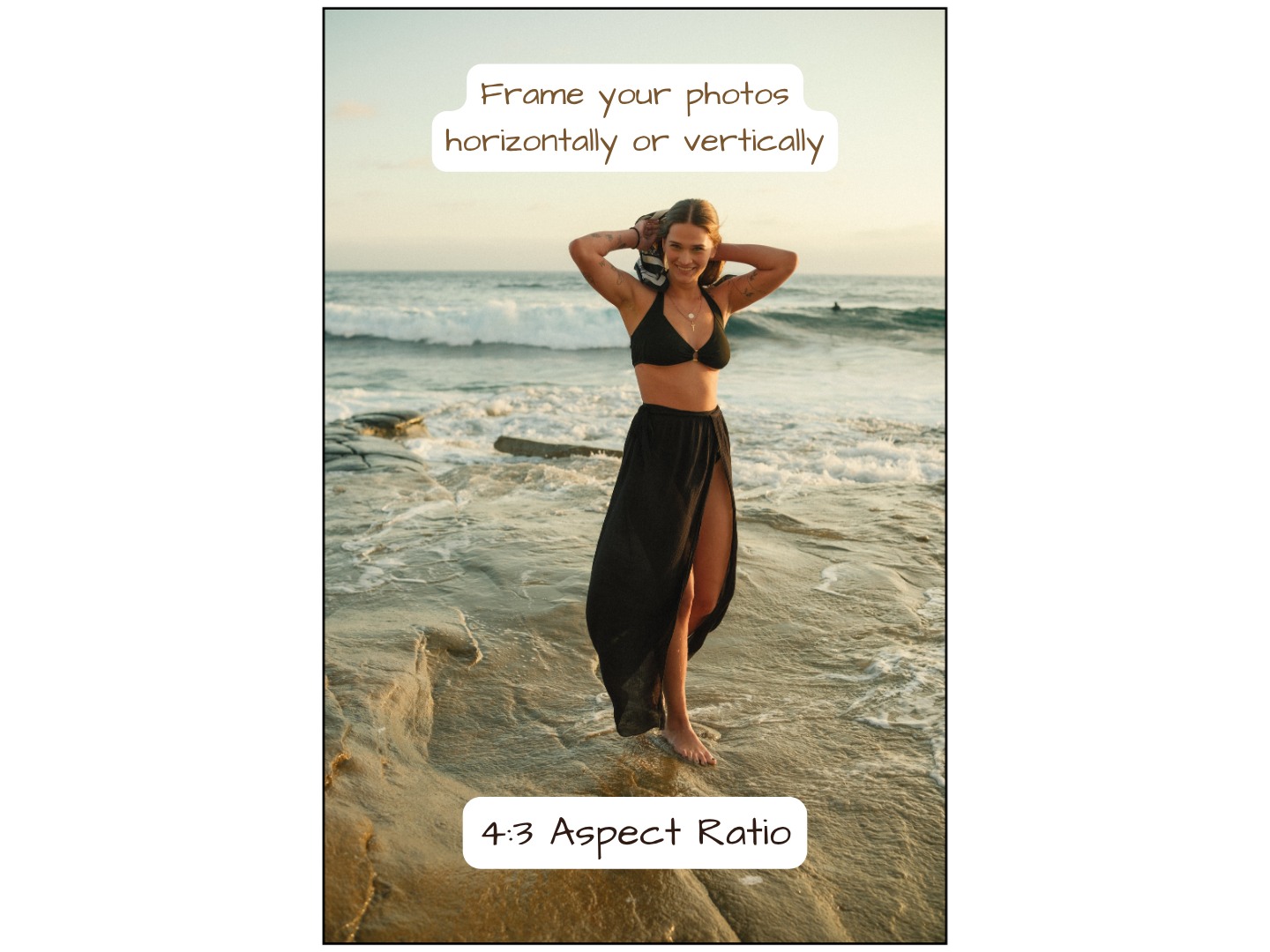
Add an outer border, an inner frame, or both. Choose the aspect ratio, width, color, and style, then export a polished image that is ready for print, client delivery, portfolios, or web display. You do not need to open another app, crop manually, or retouch the final file.
BorderBuddy is designed for photographers who want a polished finish without extra steps. Create classic white borders, subtle frames, or custom mats in seconds, then export your image with the border already in place.
A quick setup note for Mac users
Installing BorderBuddy on a Mac also sets up two supporting tools: Homebrew and ImageMagick7. These are standard tools, and you do not need to learn how to use them after setup.
The Mac guide uses Terminal for part of the installation. You will paste a few commands, wait for them to finish, and let the app verify the result. You do not need coding experience, but a little comfort with the Terminal tool in macOS makes the process smoother.
The guide explains each step in plain language, so you only need to follow the instructions as they appear.
Windows users do not need Homebrew. The Windows setup uses the official ImageMagick installer.
Add beautiful, professional borders to your photographs before export
BorderBuddy gives Lightroom Classic a simple, powerful bordering workflow. It lets you finish your photographs with clean, consistent framing before they are exported.
Add an outer border, an inner frame, or both. Choose the aspect ratio, width, color, and style, then export a polished image that is ready for print, client delivery, portfolios, or web display. You do not need to open another app, crop manually, or retouch the final file.
BorderBuddy is designed for photographers who want a polished finish without extra steps. Create classic white borders, subtle frames, or custom mats in seconds, then export your image with the border already in place.
A quick setup note for Mac users
Installing BorderBuddy on a Mac also sets up two supporting tools: Homebrew and ImageMagick7. These are standard tools, and you do not need to learn how to use them after setup.
The Mac guide uses Terminal for part of the installation. You will paste a few commands, wait for them to finish, and let the app verify the result. You do not need coding experience, but a little comfort with the Terminal tool in macOS makes the process smoother.
The guide explains each step in plain language, so you only need to follow the instructions as they appear.
Windows users do not need Homebrew. The Windows setup uses the official ImageMagick installer.
 Image 1 of 6
 Image 2 of 6
 Image 3 of 6
 Image 4 of 6
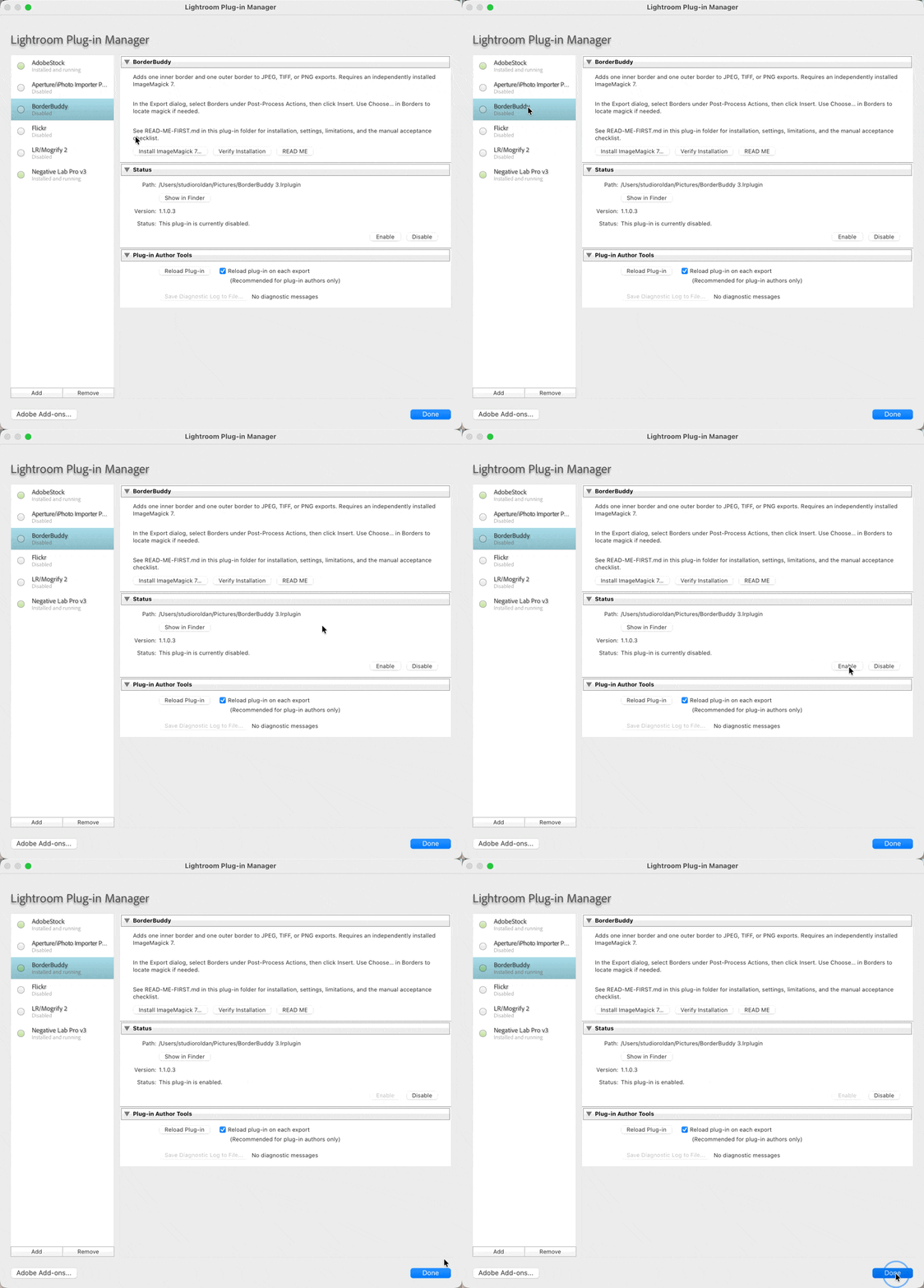 Image 5 of 6
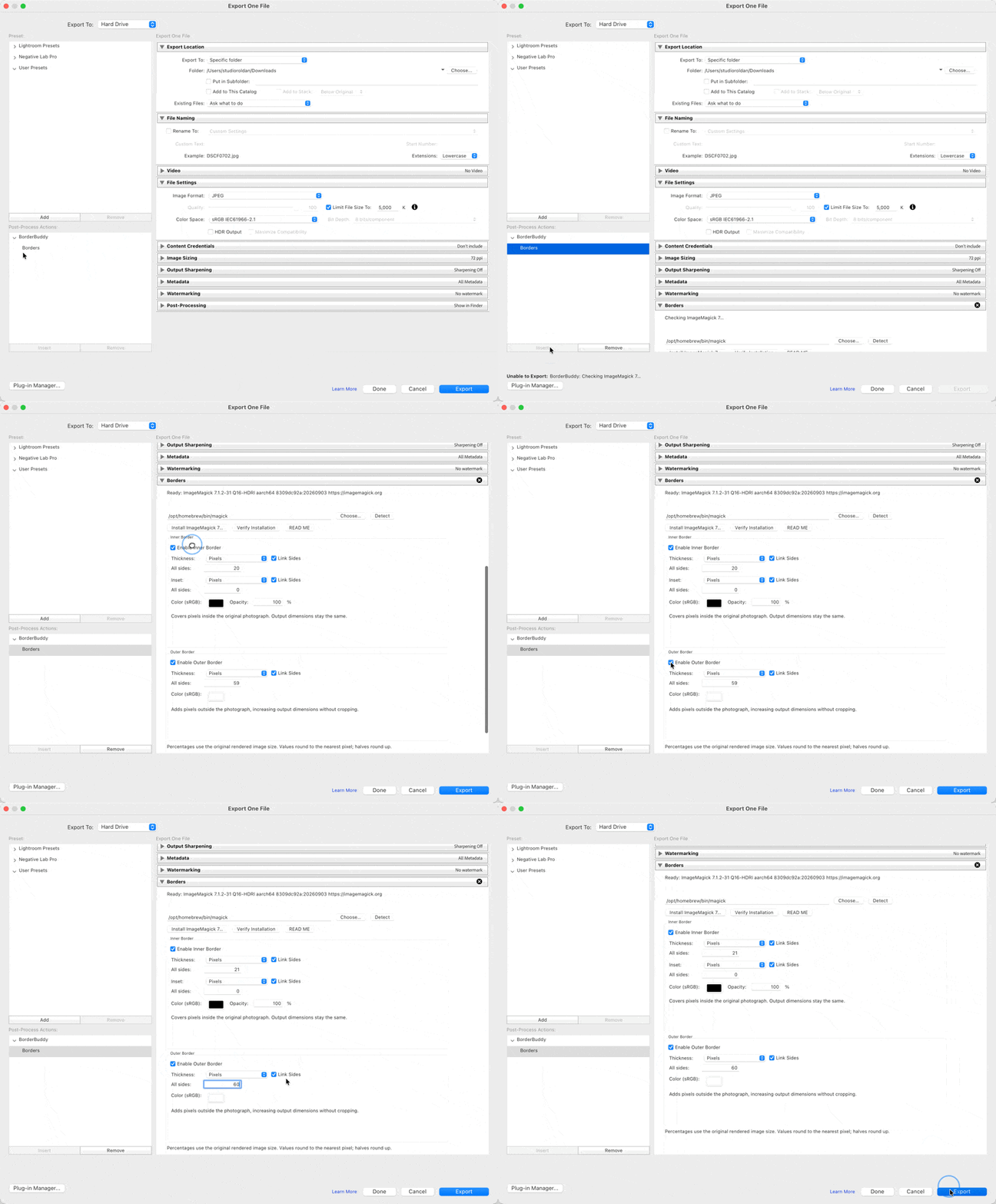 Image 6 of 6